
Digital Banking
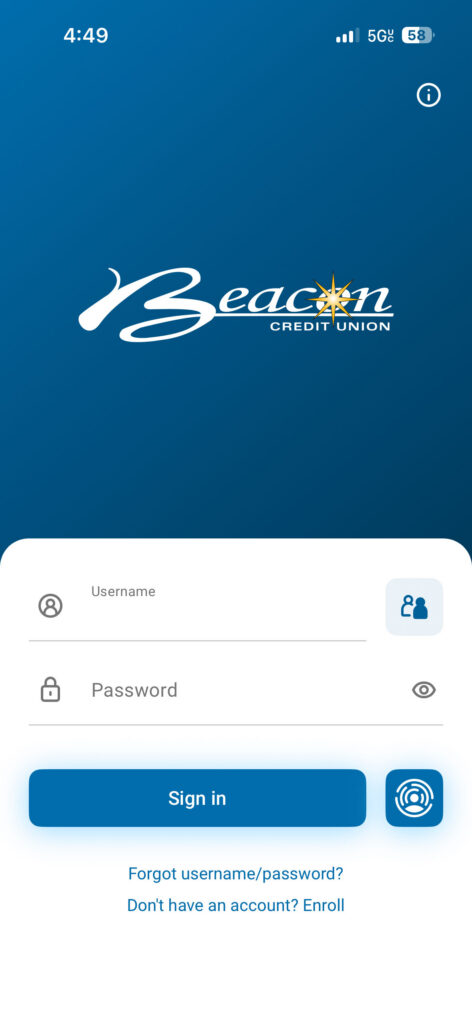
Access your accounts anytime with Beacon Credit Union’s digital banking services, including online and mobile banking tools to check balances, transfer funds, pay bills, deposit checks, and manage your finances securely from anywhere.
Signing up for mobile banking is easy. Simply download the mobile app from your favorite app store and click enroll.


Online & Mobile Banking Features
Manage Your Accounts Online
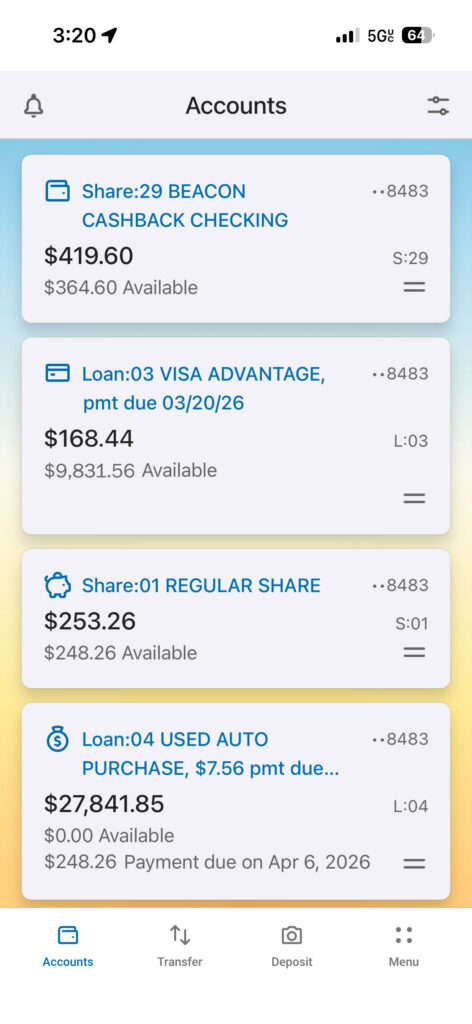
- Check your balances.
- Customize account names and dashboard layout.
- Track spending with account graph.
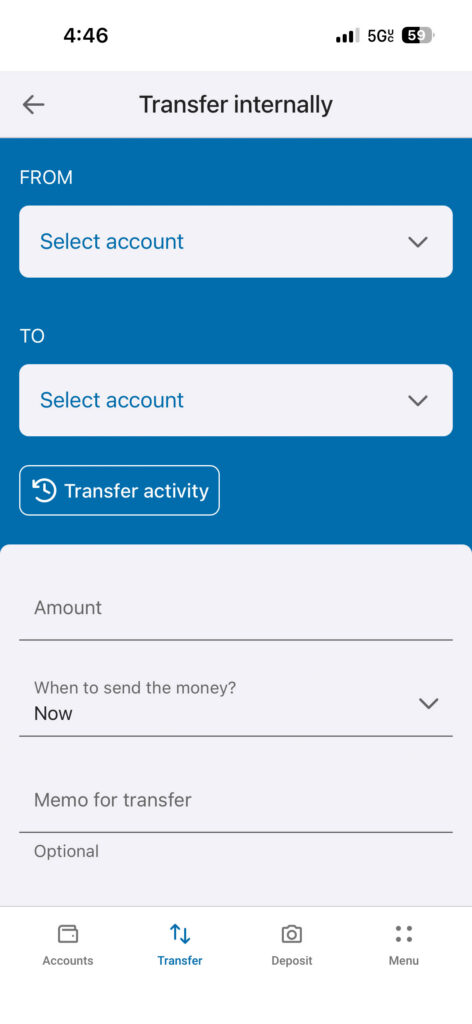
- Transfer funds between accounts.
- Schedule transfers.
Open New Accounts Safely and Securely
- Open a new loan, credit card or deposit account.
- Access Beacon’s online mortgage loan application from within the mobile app.
Convenient Online and Mobile Banking Tools
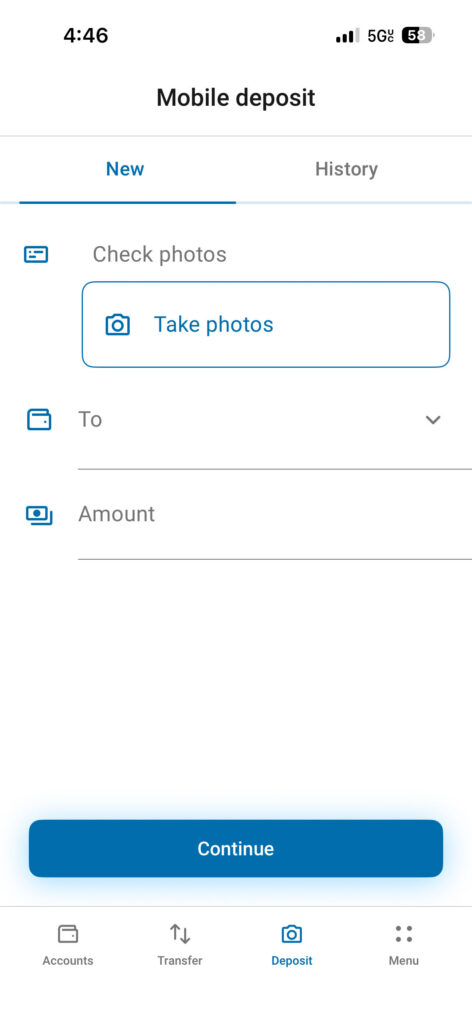
- Upload mobile deposits (only available in mobile app).
- Order checks.
- Check e-statements.
- Message Beacon’s service representatives within the app or online.
- Make payments with Beacon BillPay.
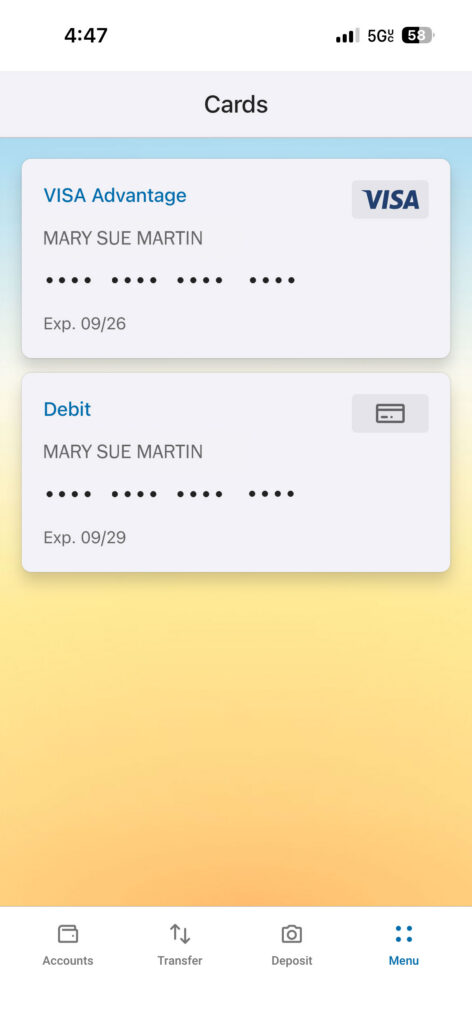
Control Your Debit And Credit Cards
- Turn cards on and off with the push of a button.
- Set travel notifications.
- Mark your card as lost without reordering.
- Mark your card as lost and reorder.
- Order a replacement card.
Set Your Preferences
- Create alerts for account activity such as balance changes, secure messages and login notifications.
- Turn e-statements on and off with the click of a button.*
- Set your time zone.
*There is a $3 fee for members who do not have e-statements.
Beacon Mobile App Download
Access your Beacon accounts anywhere, anytime! Signing up for mobile banking is easy. Simply download the mobile app from your favorite app store and click enroll.
Account Deletion and Retention | Mobile App
Beacon will keep personal data no longer than necessary to fulfill the purposes described in this notice. Under our record retention policy, we are required to destroy personal data once we no longer need it, in accordance with specific retention periods. However, we may need to hold personal data beyond these retention periods due to regulatory requirements or in response to a regulatory audit, investigation, or other legal matter. These requirements also apply to our third-party providers. If you want to delete your app’s digital banking data, use the following options.
Digital Wallets
Simplify your purchases with digital wallets.
- Quick checkout, using your mobile device.
- Your accounts are protected by built-in security with each app.
- Card details are not stored on your device.
- Easily disconnect your card anytime.



Setting Up & Using Your Digital Wallet
- Add your Beacon credit or debit card to the digital wallet of your choice.
- Look for the contactless symbol where you shop.
- Hold your phone over the symbol at the terminal.
For details of how to add your card to a specific digital wallet app, visit that app’s website.
Apple, Apple Pay, Apple Watch, the Apple logo, Face ID, iPad, iPhone, Mac, and Touch ID are trademarks of Apple Inc., registered in the U.S. and other countries. Google Pay and Android are trademarks of Google LLC. Samsung and Samsung Pay are registered trademarks of Samsung Electronics Co., Ltd.